iPhone · iPad · Mac
Capture Snagging & Walk-Downs
From the site to a finished PDF report, in minutes.
A professional inspection app for contractors, project managers, site managers, QA leads and tradespeople who need to log defects and findings in a structured way — on handovers, walk-downs and ongoing inspections.

What it is
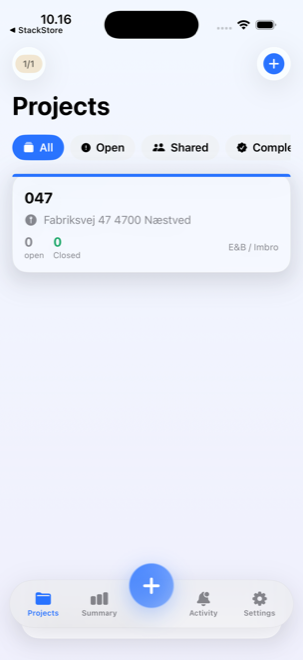
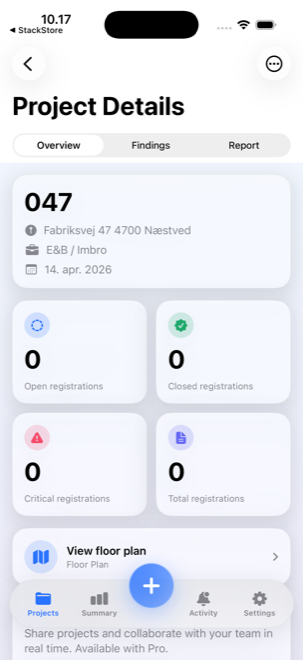
Create a project, photograph each finding, assign an owner and a deadline, track it from open to closed, collect a signature at sign-off, and generate a report your client will recognise as professional — all from your iPhone, iPad or Mac.
Everything an inspection needs
Structured findings, proper documentation, and a report that does not look like it came out of a spreadsheet.
Projects & findings
Register findings with title, description, severity 1–5, category, responsible person and deadline. Status flows Open → In progress → Awaiting verification → Closed, with an automatic activity log.
Photos, notes & GPS
Take before and after photos, annotate with drawings and arrows, and record voice memos. Every finding stores a precise GPS coordinate, so you can find the spot again.
Building mode + 3D scan
Create buildings, floors and rooms. Use LiDAR and Apple RoomPlan to scan a room in 3D — floor area, wall area, ceiling height, door and window counts — and place findings straight onto the plan.
PDF reports
Three styles: detailed, compact or mail-friendly. Your logo, your brand colour, the project details and every finding with its photos. Share by Mail, AirDrop, Messages, or save to disk.
iCloud sync & sharing
Everything syncs between your devices through your own iCloud. Share a project with your team: participants add findings, photos and status updates, or view it read-only.
Backup & export
A full backup as a single JSON file with photos, signatures and voice memos embedded. Export to CSV or XML for spreadsheets. Archive finished projects to keep the daily view clean.
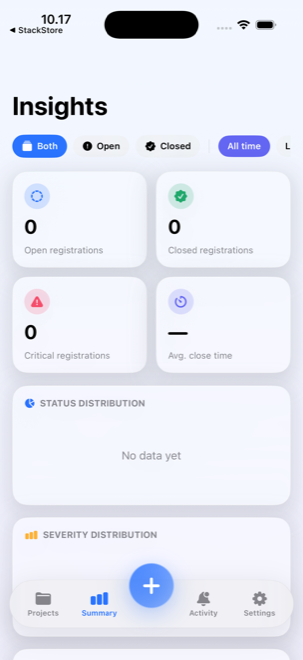
Also included: a Home Screen widget with open and critical finding counts, and an interface in 12 languages.
From walk to sign-off
A finding, closed properly
-
1
Register the finding
Title, description, severity 1–5, category, owner and deadline. Add before-photos and a voice memo. It gets a number and a GPS coordinate automatically.
-
2
Track the status
Move it Open → In progress → Awaiting verification as the work proceeds.
-
3
Close it with a signature
Set it Closed, capture a signature from the responsible person, and take an after-photo as documentation.
-
4
Send the PDF
Generate the report, pick a style, and share it with the client straight from the app.
Made for the people who inspect
Free and Pro
Monthly or yearly — or a one-time lifetime licence, if you would rather own it.
Building mode with 3D scanning needs an iPhone or iPad Pro with LiDAR. Your data stays on your device or in your own private iCloud — no servers, no third-party analytics, no advertising.
Questions about Snagging & Walk-Downs?
Getting started, RoomPlan, reports, sync and sharing — it is all in the guides.