
Mac · iPad · iPhone
Capture Planning
Project planning, native to Apple.
One place for the schedule, the economy and the governance — with a cockpit to run the project from, and a history that holds up when a claim is made.
What it is
Project managers live in five tools at once — a scheduler, a spreadsheet, a document system, email and a slide deck — and none of the data connects. Capture Planning puts schedule, critical path, cost, cash-flow, governance and deliverables into one model, so changing a date ripples all the way through.
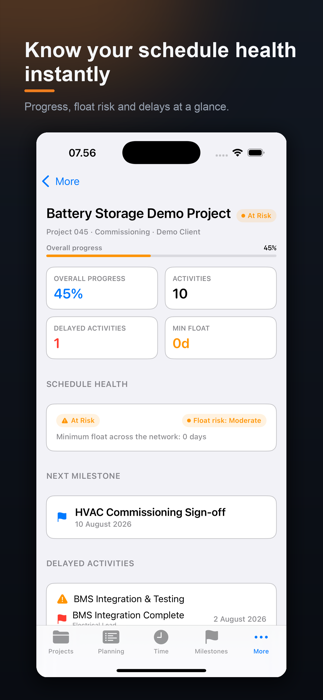
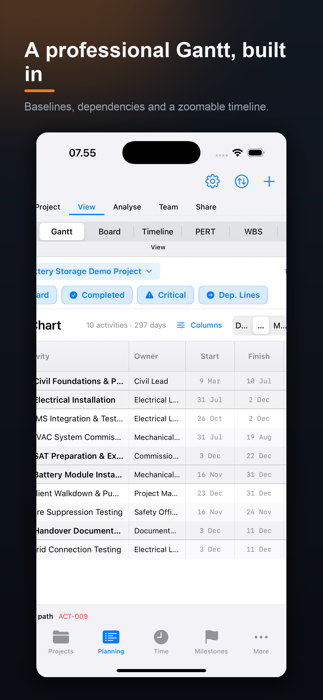
The same project follows you across Mac, iPad and iPhone through your own iCloud.
Enterprise-grade, calmly presented
Everything a planner needs, without the intimidation of the legacy tools.
CPM planning & schedule
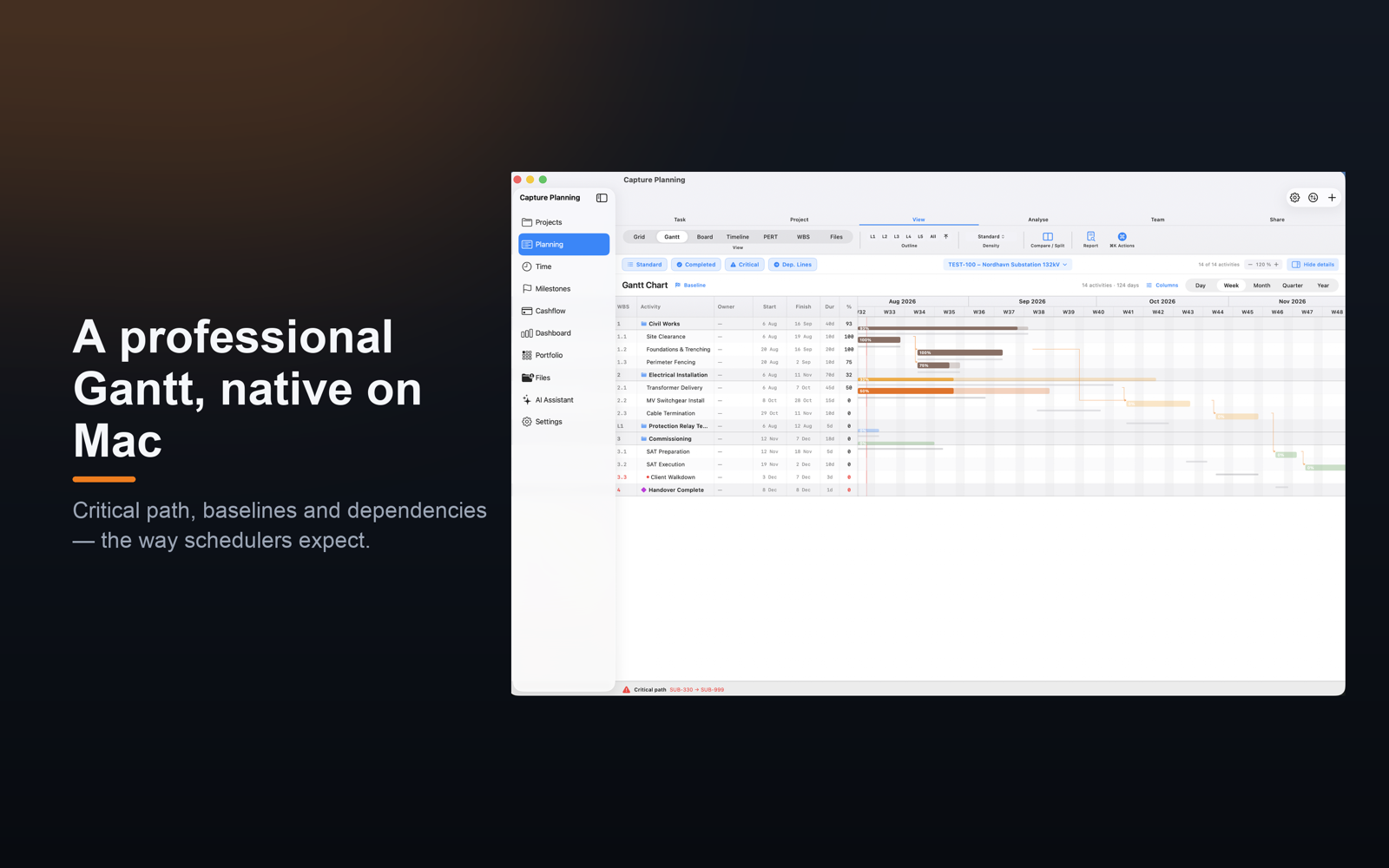
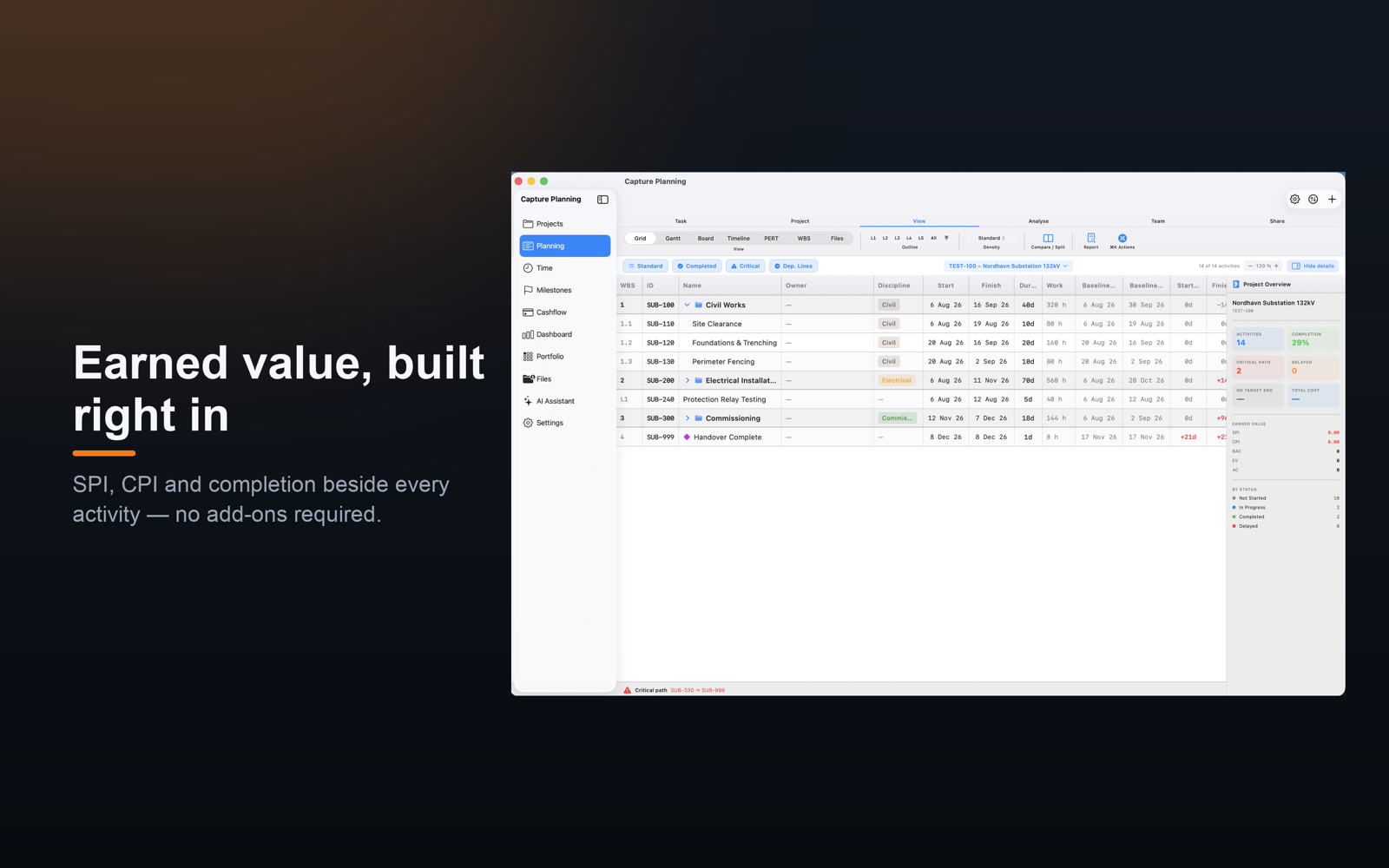
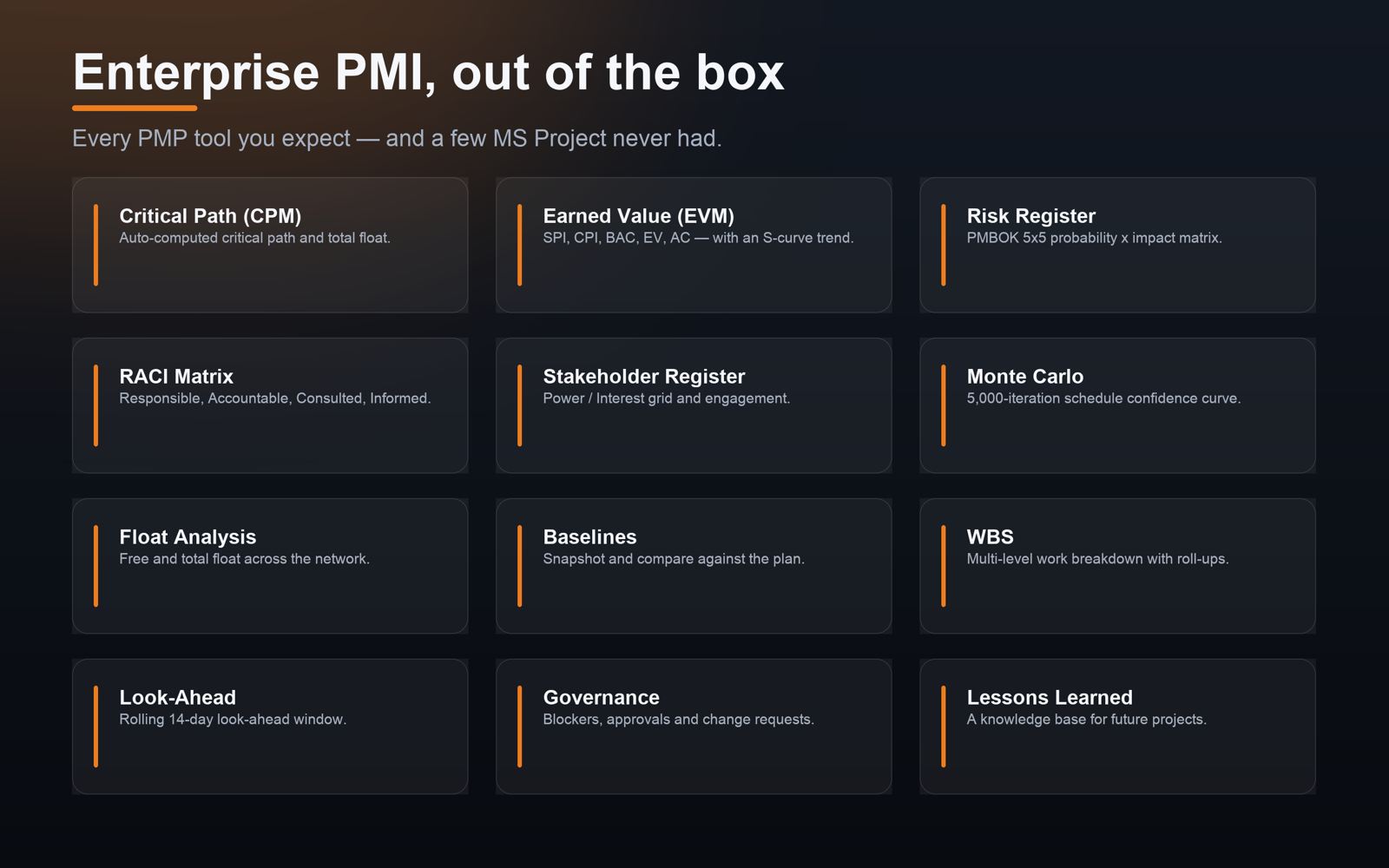
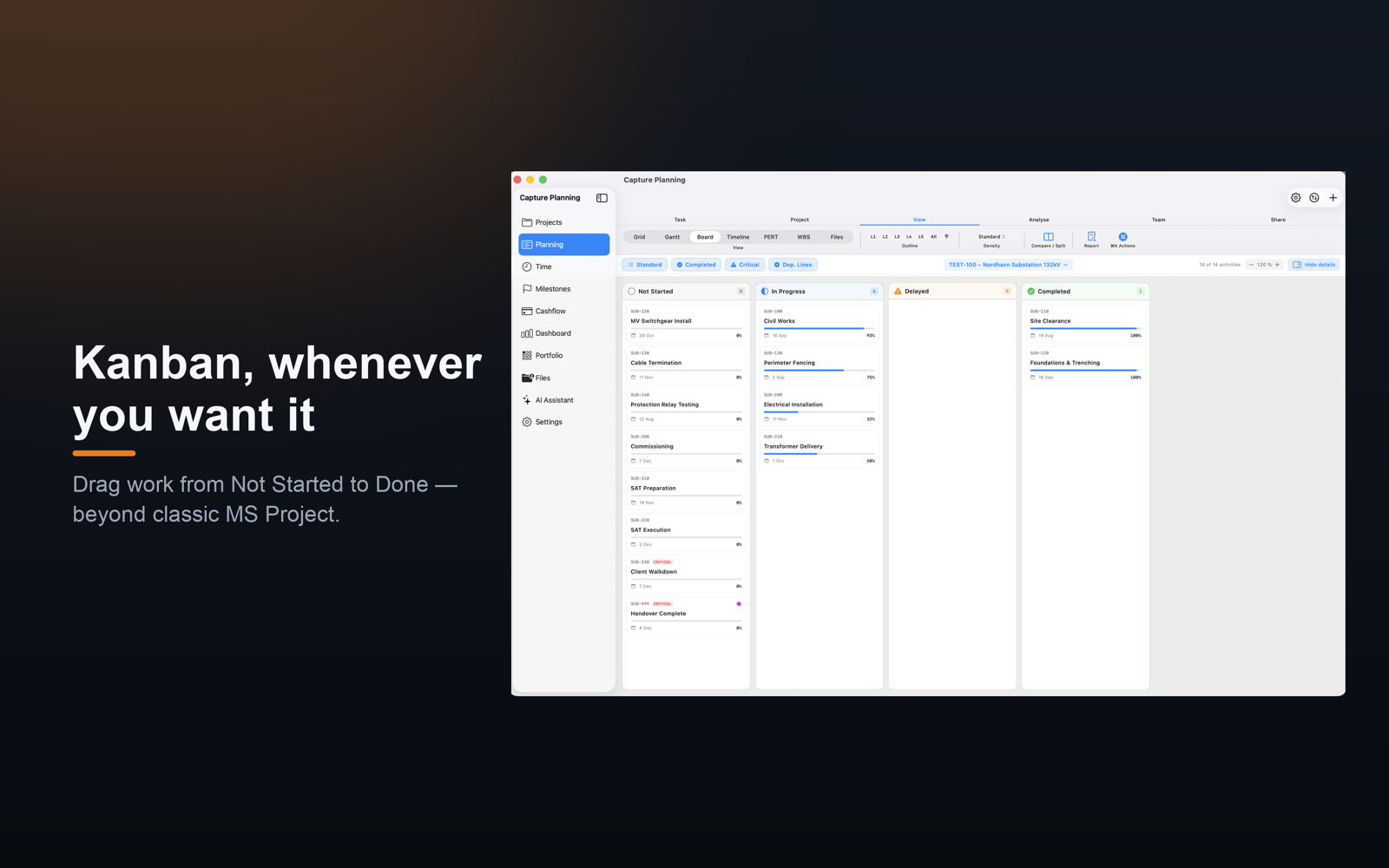
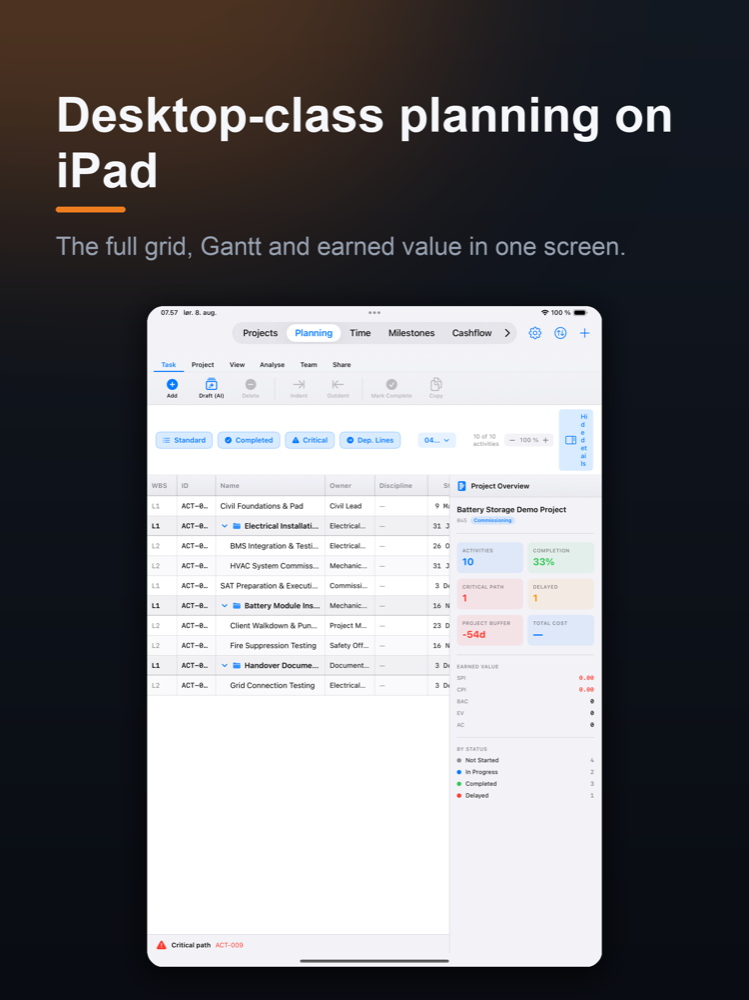
WBS outline, dependencies with lag and lead, a working-day CPM engine that highlights the critical path, calendars and industry shutdowns, constraints and multiple baselines. Grid, Gantt, Board, Timeline, PERT and WBS views.
Analysis & forecast
Critical-path and float analysis, reverse planning from a deadline back to the latest responsible start, Monte Carlo finish dates at P50 and P80, look-ahead windows and earned value.
Economy & cash-flow
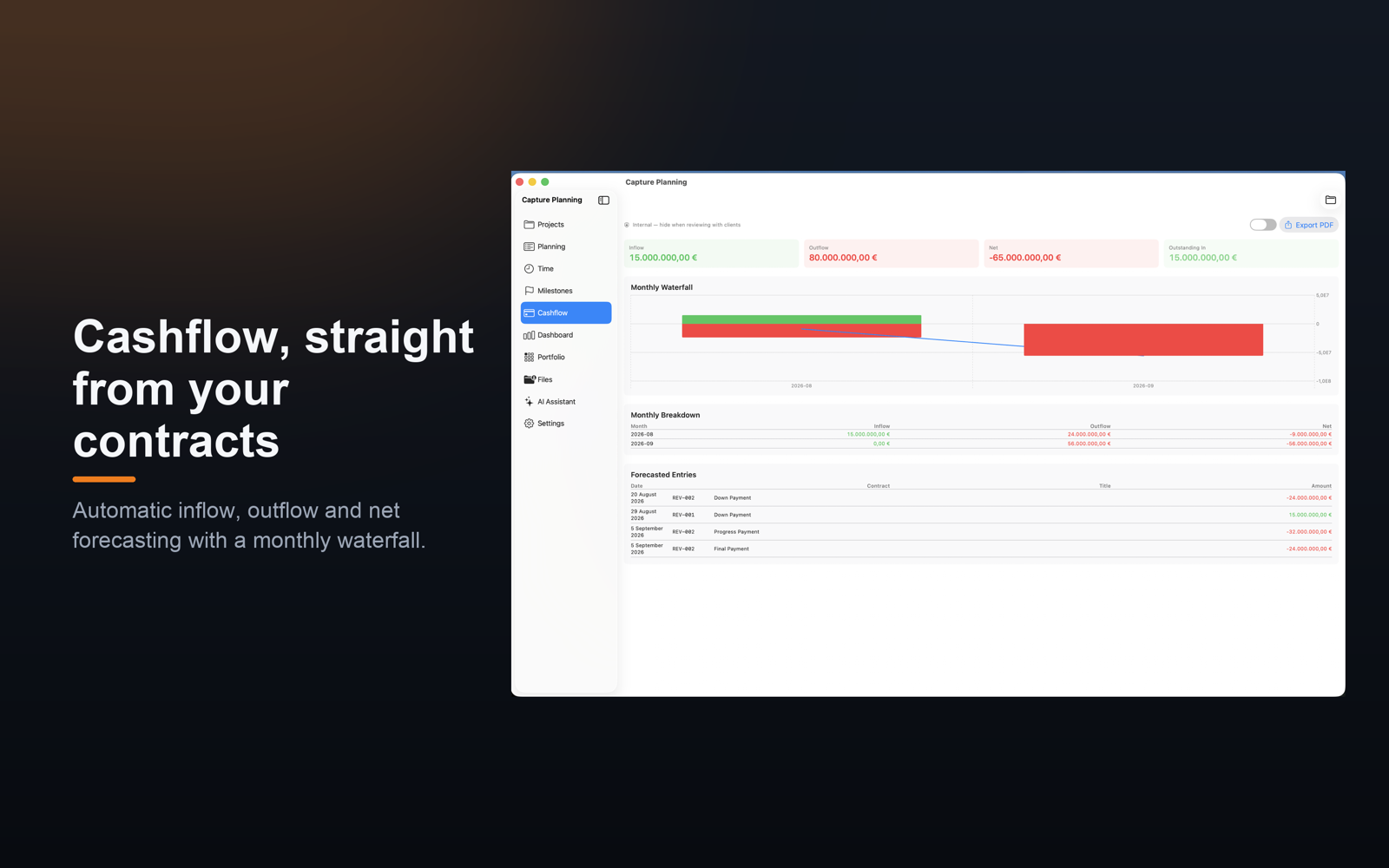
Customer and supplier contracts with payment plans tied to activities, a monthly in/out/net forecast, and an S-curve that warns about a funding gap before the cash goes negative.
Governance toolkit
A 5×5 risk register with response strategies, a RACI matrix, a stakeholder register, lessons learned, and governance — blockers, approvals with a client signature, and change requests — all in the history.
Change & Delay register
When a baseline date moves, the app asks why: client instruction, design change, weather, permitting, rework, scope. Excusable and non-excusable delays are colour-coded, and the register exports as a branded PDF or CSV for a claim.
Documents & deliverables
Attach files or links from SharePoint, OneDrive, Google Drive or anywhere else to an activity. Create placeholders for what must be delivered and mark them received; what is outstanding rolls up into the status.
Project control room
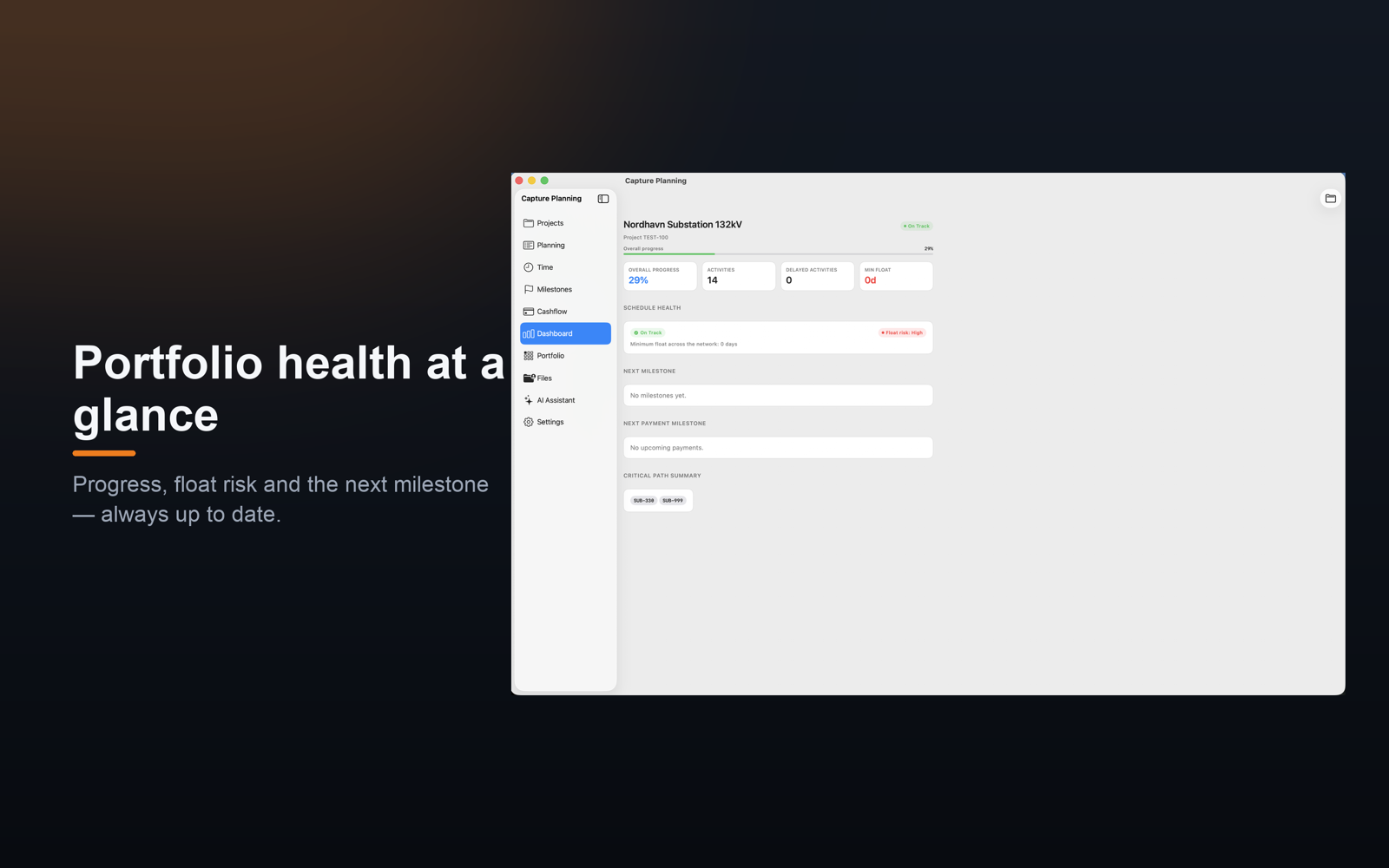
One overview with KPIs, schedule health, milestones, cash-flow, and a decisions card that ranks what needs acting on. Present mode turns it into a cockpit for the big screen in a meeting.
Reports & export
An executive report; the schedule as CSV, PDF or MS Project XML; governance exports; the Change and Delay register; and calendar events for Outlook, Apple or Google — with your own logo on every masthead.
Portfolio, team & AI
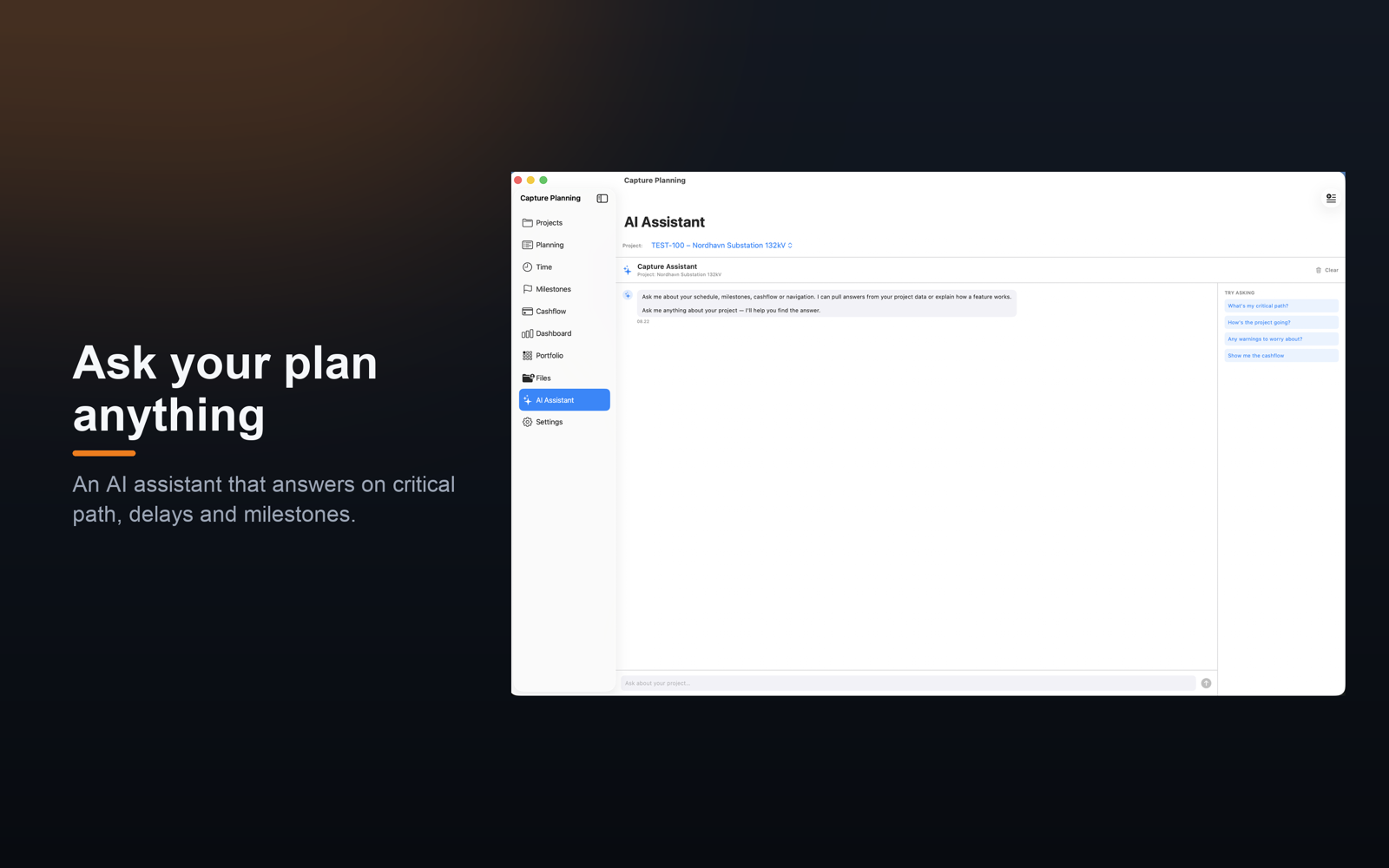
Compare projects side by side, see the resource load across the portfolio, invite the team through iCloud with roles, and ask about the critical path in plain language.
Made for people who plan for a living
Not on the App Store yet
Capture Planning is still in development. When it arrives it will be a subscription with a free trial, handled by the App Store, and Restore Purchases will work on a new device or after reinstalling.
Apple Silicon and Intel
Desktop-class planning and Gantt
Dashboard, milestones and capture on the go
Offline first, syncing through your own iCloud. Your data stays in your iCloud — no third-party server, no tracking. MS Project XML goes in and out, so it can live alongside what your client uses.
Questions about Capture Planning?
Write to us if you would like to hear when it is ready, or if you have a question about what it will do.